

Captain’s Log
A summary of events
Cybersecurity can feel expensive and complicated, but some of the most valuable improvements don’t require buying anything new. Many businesses can reduce risk simply by tightening access, enabling protections they already have and making sure basic security practices are actually in place.
Start with the fundamentals: multi-factor authentication, fewer unnecessary accounts, limited administrator access, automatic updates, better password habits and working backups.
The myth: Improving cybersecurity always means spending more money.
The reality: Some of the most effective security improvements start with better use of the tools and settings you already have.
Cybersecurity is often treated like a technology problem.
Something feels risky, so the instinct is to buy another product.
But technology is only part of the equation.
For many businesses, meaningful security gaps come from settings that were never turned on, accounts that were never removed, permissions that were never reviewed or processes that haven’t kept pace with the business.
Before adding something new to your security stack, start with what you already have.
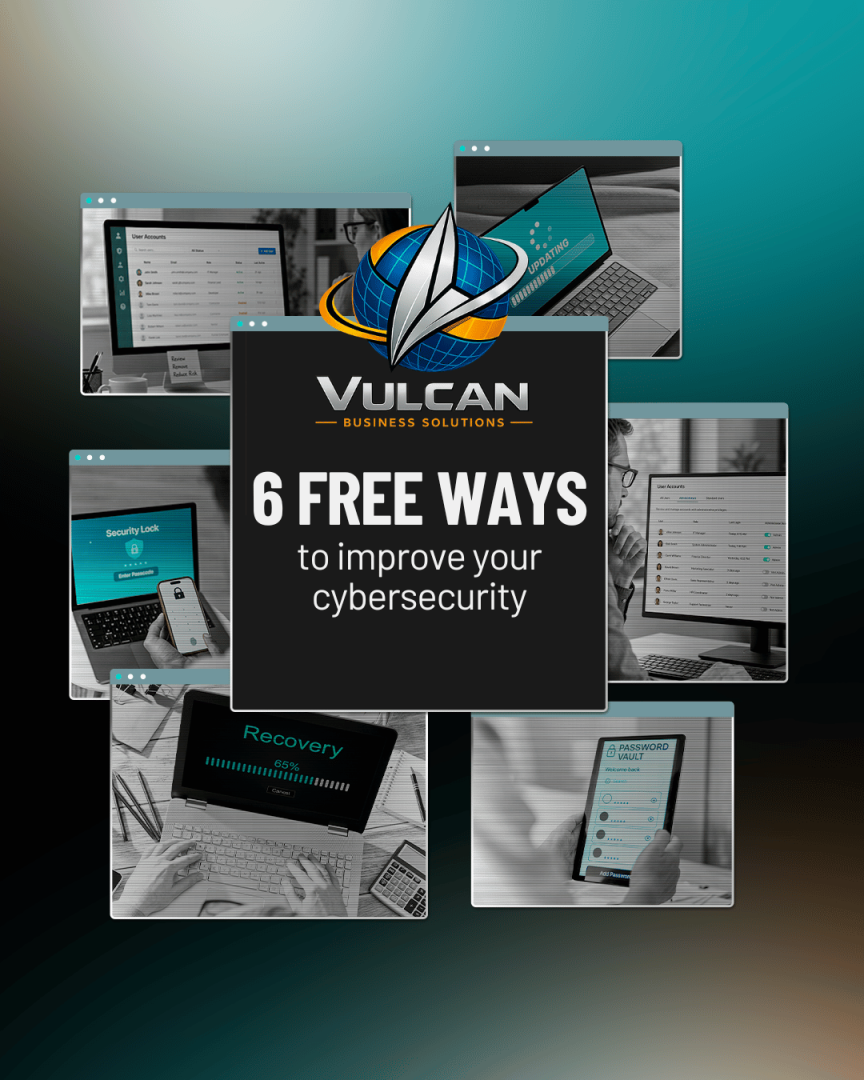
Here are six improvements you can make without adding another cybersecurity subscription.
1. Turn On Multi-Factor Authentication
If multi-factor authentication isn’t enabled on your important accounts, start there.
MFA requires more than a password before allowing someone to sign in. Depending on the system, that second step might be an authentication app, security key, passkey, fingerprint or face scan.
That extra step matters because stolen passwords are extremely useful to attackers.
With MFA enabled, compromising the password alone may no longer be enough to access the account.
Start with accounts connected to:
- Microsoft 365 or Google Workspace
- Banking and payroll
- Cloud storage
- Remote and VPN access
- Administrative accounts
- Business-critical applications
Many platforms already include some form of MFA in the service you’re paying for.
You may already have the protection. You just need to turn it on.
2. Remove Accounts Nobody Uses
Businesses change faster than user accounts sometimes do.
Employees leave. Contractors finish projects. Vendors change. Temporary accounts become permanent simply because nobody remembers they’re there.
Every active account represents another possible path into your systems.
Review your accounts and ask:
- Does this person still work with us?
- Does this vendor still need access?
- Does this account still serve a business purpose?
- Does it still need the permissions it currently has?
If an account is no longer needed, disable or remove it.
Cleaning up old access is simple housekeeping, but it’s one of those tasks that’s easy to overlook until the forgotten account becomes a problem.
3. Stop Making Everyone an Administrator
Administrator access is powerful by design.
An administrator may be able to install software, change system settings, create users and disable security controls. That’s useful when someone actually needs those capabilities.
Most employees don’t.
If an attacker compromises an ordinary account, the damage may be limited by what that user is allowed to do. Compromise an administrator account, and the attacker may gain much broader control.
Review who currently has elevated privileges and ask:
- Does this person actually need administrator access for their daily work?
- Could a standard account accomplish the same job?
- Are old administrative accounts still active?
- Are administrative credentials being shared?
Give people the access required to do their jobs — not every permission available just in case they eventually need it.
4. Turn On Automatic Updates
Software updates don’t exist only to move buttons around and remind you where the restart option is.
They frequently include security fixes.
Once a vulnerability becomes known, attackers can begin looking for systems that haven’t been patched. Leaving outdated software in place gives them more time to exploit a problem that may already have a fix.
Check whether automatic updates are enabled for:
- Windows and macOS devices
- Phones and tablets
- Web browsers
- Microsoft Office and productivity applications
- Security software
- Frequently used business applications
Some updates still require testing or coordination in business environments, but ignoring them indefinitely shouldn’t be the strategy.
5. Start Using a Password Manager
Telling employees to create a long, unique password for every account sounds great until you consider how many passwords the average person would have to remember.
That’s where predictable patterns and password reuse begin.
A password manager gives people a practical way to create and store stronger, unique credentials without relying on memory.
It can help your team:
- Create longer, more complex passwords
- Use a different password for every account
- Store credentials securely
- Avoid keeping passwords in browsers, notebooks or spreadsheets
- Share credentials through controlled methods when sharing is truly necessary
The best password policy isn’t the one that looks strongest on paper. It’s the one your employees can realistically follow.
6. Make Sure Your Backups Actually Work
“We have backups” and “we can recover our business” aren’t always the same statement.
Backups can fail. Configurations change. Storage fills up. Important systems get excluded. Credentials expire.
Sometimes nobody discovers the problem until the day those backups are actually needed.
Ask:
- When did our last successful backup complete?
- What systems and data are included?
- Has anyone tested restoring something recently?
- Who receives an alert if a backup fails?
- How long would restoring critical systems actually take?
A successful backup creates a copy.
A successful restore proves that copy can help you recover.
Free Doesn’t Mean Automatic
None of these recommendations requires a major cybersecurity purchase.
They do require someone to take ownership.
MFA has to be enabled. Accounts have to be reviewed. Permissions have to be maintained. Updates need to run. Backups need to be checked.
That’s often the difference between knowing a security best practice and actually benefiting from it.
Cybersecurity doesn’t become stronger because a policy exists somewhere in a document or a feature appears in a dashboard.
It becomes stronger when those protections are consistently put into practice.
Start With the Gaps You Can Fix Today
You don’t have to rebuild your entire technology environment to make meaningful progress.
Start by closing the unnecessary gaps.
Then look at what still needs attention.
At Vulcan Business Solutions, we help businesses understand which protections they already have, where something has been missed and where additional security actually makes sense.
That’s part of helping businesses live long and prosper: making smart improvements today that give the business a stronger foundation for tomorrow.
Powered by Logic. Protection by Design.
Ready to find out where your business has easy security wins — and where the bigger gaps may be hiding? Schedule a 10-minute discovery call with VBS and let’s take a look.
